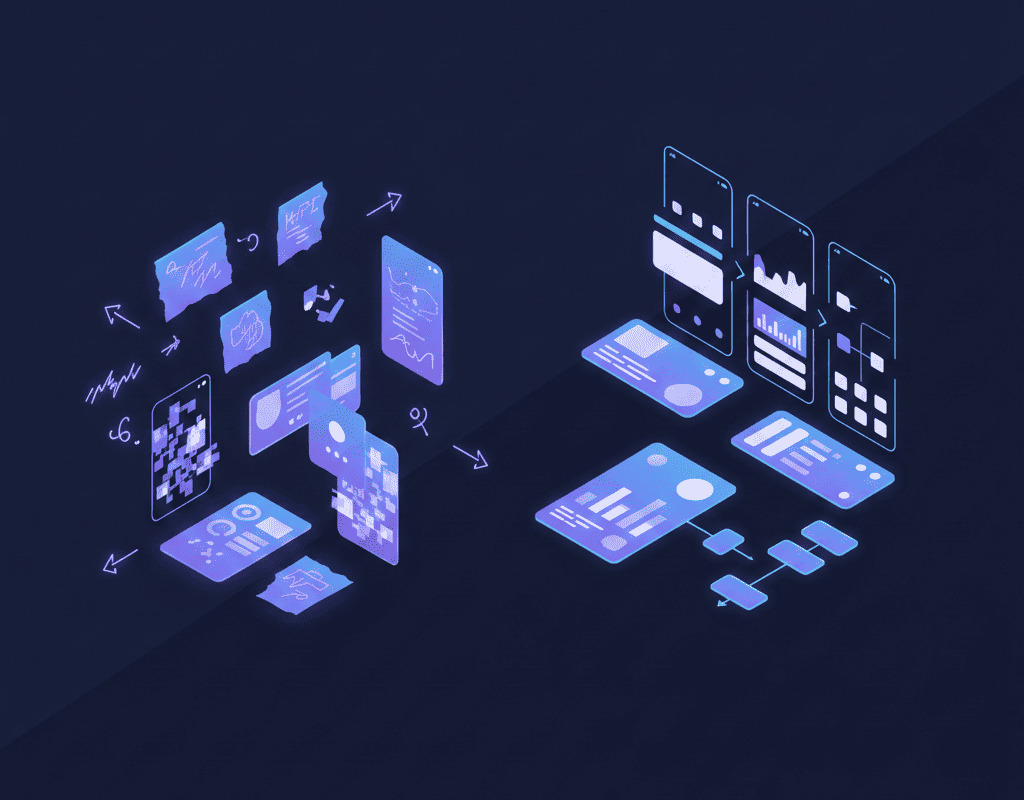
Most non-technical founders struggle with how to describe a mobile app idea clearly before development even begins. Not because their ideas are bad, but because they can't articulate what they want to build.
In many early-stage app projects, founders burn through $50,000 on apps that don't solve the problem they intended. The culprit? A messy brief that developers interpreted one way while the founder envisioned something completely different.
Why Most App Descriptions Fail
You know your app solves a real problem. You've validated the pain point with potential users. But when you sit down to explain it to a development team, everything comes out as
"It's like Uber, but for..."
Developers need specifics. They need to understand user workflows, technical constraints, and business priorities. Without this clarity, you'll get constant back-and-forth, blown timelines, and features that miss the mark.
The gap isn't technical knowledge. It's structured thinking about your product. This is exactly why understanding how to describe a mobile app idea in a structured way becomes critical before writing a single line of code.
How to Describe a Mobile App Idea Step by Step
If you're wondering how to describe a mobile app idea clearly, the process below will help you turn a vague concept into a structured development brief.
1. Start With the Problem Statement and Target Audience
Before touching wireframes or feature lists, nail down two things: who has the problem and what problem you're solving.
Define your target audience with precision:
- Demographics (age, location, profession)
- Current behavior patterns
- Existing solutions they're using
- Why current solutions fail them
Write your problem statement in one paragraph. If you can't, you don't understand your product yet.
Example:
"Freelance designers waste 8-12 hours monthly chasing late payments from clients. Current invoicing tools like FreshBooks are built for accountants, not creatives. Designers need something visual, simple, and integrated with their existing project management workflow."
This immediately tells developers what success looks like. Every feature decision stems from this foundation.
2. Build Your App Requirements Document
A mobile app concept document isn't a technical specification. It's a translation layer between your vision and what developers need to build.
Essential sections for your requirements document:
- Core functionality: List the 3-5 things your app absolutely must do. Not nice-to-haves. Must-haves for version one.
- User personas: Create 2-3 detailed profiles of actual people who will use your app. Include their goals, frustrations, and context of use.
- User journey mapping: Walk through how someone discovers, downloads, onboards, and uses your app for the first time. Then map their second and tenth use.
- Feature prioritization: Separate your features into three buckets: MVP essentials (can't launch without), phase two additions (important but not urgent), future considerations (nice ideas for later).
- Technical considerations: You're not technical, but you need to address platform choices (iOS only, Android only, or both), integration requirements (payment processing, analytics, third-party APIs), and data handling basics (user accounts, offline functionality, data sync).
Most founders dump everything into one bucket and wonder why estimates come back at $200,000. Prioritization is your most powerful tool for controlling cost and timeline.
3. Create User Flows Before Wireframes
User flow diagrams show how people move through your app. They're more valuable than wireframes at the early stage because they force you to think through logic before aesthetics.
Map each core action as a flowchart:
- What triggers the action?
- What information does the user need?
- What decisions do they make?
- Where do they end up?
- What can go wrong?
Example:
The user flow for a meditation app might look like this:
- User opens app → Sees today's recommended session
- Taps session → Previews duration and difficulty
- Starts session → Audio plays, timer begins
- Session ends → Completion screen with streak counter
- Options: log mood, share progress, or return to home
This reveals technical requirements developers need to know: audio playback, timer functionality, progress tracking, social sharing integration.
4. Structure Your Wireframes for Clarity
Now you can sketch screens. Wireframes don't need to be pretty. They need to be complete.
For each main screen, show:
- All interactive elements (buttons, inputs, toggles)
- Navigation patterns (tabs, back buttons, menus)
- Content hierarchy (what's most important)
- State variations (loading, empty, error, success)
Use actual text, not lorem ipsum. "Sign up with email" tells developers more than "CTA button here."
Tools like Figma or Balsamiq work fine, but honestly, annotated sketches on paper photographed and shared in a Google Doc accomplish the same goal if you're clear.
The mistake founders make: creating beautiful mockups in the wrong order. You end up attached to visual details before validating the logic works.
5. Define Your MVP Scope Ruthlessly
Your minimum viable product is not your full vision. It's the smallest version that lets you test your core hypothesis with real users.
MVP scoping framework:
- Ask yourself: "If I only built this one feature perfectly, would users still get value?" Keep asking until you isolate the absolute core.
- For a recipe app, the MVP isn't: recipe discovery, meal planning, grocery lists, cooking timers, and social sharing. It's: recipe search and save functionality.
Everything else comes after you prove people actually want saved recipes in the first place.
Budget and timeline reality check:
A properly scoped MVP for a mobile app typically costs $25,000-$75,000 and takes 3-6 months with a competent team. If your estimate is $15,000 and 6 weeks, you're either building something too simple or getting sold a fantasy.
6. Create a Basic Product Roadmap
Developers need context beyond the immediate build. A simple product roadmap shows where you're headed.
Three-phase roadmap structure:
- Phase 1 (MVP): 3-4 months core features only, one platform (usually iOS first for consumer apps, often both for B2B), basic analytics, manual processes acceptable for non-core functions.
- Phase 2 (Validation): 3-6 months after launch, features based on user feedback, performance optimization, additional platform if needed, automation of manual processes.
- Phase 3 (Scale): 6-12 months after launch, advanced features, infrastructure improvements, growth-focused additions.
This helps developers make smarter architectural decisions upfront. They'll know whether to build for 100 users or 100,000.
7. Validation Strategy and Success Metrics
Describe how you'll know if the app works. Developers appreciate founders who think in measurable outcomes.
Define success metrics before launch:
- User activation (what percentage complete onboarding?)
- Core action completion (do they use the main feature?)
- Retention (do they come back?)
- Referral indicators (do they share or invite others?)
Example:
"Success means 40% of downloads complete account setup, and 25% of those create their first project within 48 hours."
Validation approach for non-technical founders:
- Landing page with email capture (tests interest)
- Clickable prototype (tests user flow logic)
- Concierge MVP (manually deliver the service to test value)
- Wizard of Oz approach (users think it's automated, but you're behind the scenes)
Some founders discover their app idea needs adjustment before spending $50,000. That's the point.
Common Mistakes That Derail App Projects
- Describing features instead of outcomes. "I need a push notification system" doesn't explain why. "Users forget to log meals, so we need timed reminders based on their routine" gives developers context to suggest better solutions.
- Skipping the unhappy paths. You've mapped what happens when everything works. What happens when:
- The user loses internet connection mid-action?
- They enter invalid data?
- A payment fails?
- The API you're integrating with goes down?
- Assuming developers will "just know" what you mean. They won't. Every assumption you don't document becomes a coin flip during development.
- Changing your mind mid-build without acknowledging scope creep. "Just one more small feature" compounds. Either replan the timeline or save it for phase two.
- Neglecting the data model. How does information flow? What gets stored? How do different pieces of data relate? Non-technical founders skip this, then wonder why "simple changes" take weeks.
Mobile App Idea Template You Can Use
If you're still unsure how to describe a mobile app idea in a way developers understand, use the structured template below. Before approaching developers or investors, ensure you can answer:
Business fundamentals
- Problem statement in one paragraph
- Target audience with specific demographics and behaviors
- Competitive landscape and your differentiation
- Business model (how does this make money?)
Product definition
- Core features list with MVP vs. future separation
- User flows for each main action
- Wireframes for all key screens plus state variations
- Navigation structure across the entire app
Technical direction
- Platform choice with reasoning (iOS, Android, or both)
- Critical integrations (payments, authentication, APIs)
- Data requirements and user account needs
- Offline functionality requirements
Project parameters
- Realistic budget range
- Timeline expectations with milestones
- Success metrics you'll track post-launch
- Three-phase product roadmap
Validation plan
- How you'll test assumptions before full build
- What makes you confident this solves the problem
- How you'll gather user feedback
With this documentation complete, you'll have developer conversations that are 10x more productive. Estimates will be more accurate. Scope creep decreases. Your odds of building something users actually want increase dramatically.
Stop Winging It
The founders who succeed with their first app aren't the ones with the most innovative ideas. Once you truly understand how to describe a mobile app idea properly, development becomes predictable instead of a gamble. Successful founders are the ones who can articulate what they want to build clearly enough that everyone involved shares the same vision.
If assembling all this documentation feels overwhelming, you're not alone. Most non-technical founders spend 40-60 hours just organizing their thoughts into a developer-ready format.
We're currently developing a tool designed to help founders structure their app ideas faster. If you're in the planning stage, you can join the early access list to be notified when it launches.
But whether you use a tool or a Google Doc, the underlying work is the same: transform your vision into something actionable. Do that well, and you're already ahead of 80% of first-time founders.